Battery discharge hold
The battery discharge hold stops the home battery from discharging. The sun covers what it can, the grid covers the rest, and the battery is left alone. It can still charge from the sun.
Your inverter, not Gleanvolt, decides where power comes from. To the inverter, a charging car is just a large house load, and it covers it from the home battery. The hold tells the inverter not to.
Where to find it
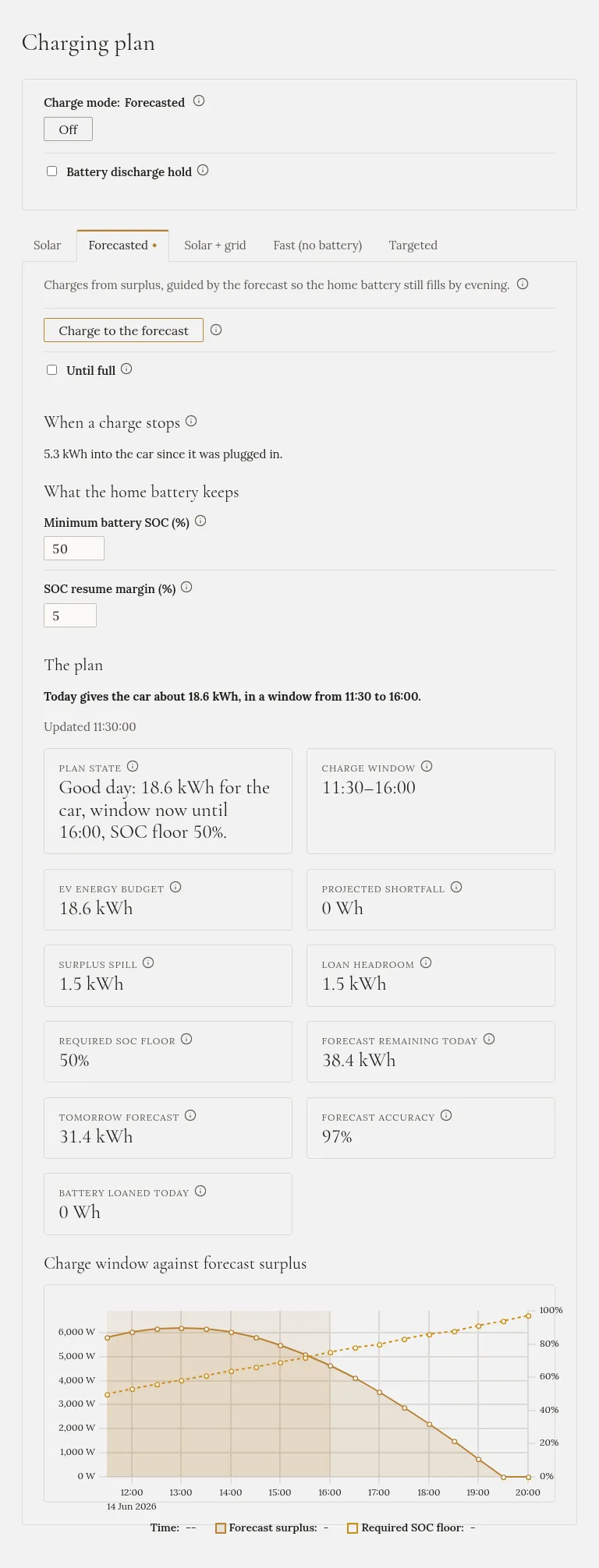
Section titled “Where to find it”At the top of Charging plan, under the charge mode: Battery discharge hold. Tick it to switch the hold on, untick it to release it.
When it is switched on for you
Section titled “When it is switched on for you”- Fast (no battery) switches it on when the car starts charging, and off when the charge ends.
- Targeted and Solar + grid switch it on while the car takes more than the sun gives.
- Solar and Forecasted never switch it on, but a hold you switched on still applies.
Using it on its own
Section titled “Using it on its own”The hold works with any mode, and with charging Off:
- With charging Off, and the charger set at the wallbox: the car charges from the sun and the grid, and the battery is untouched.
- With no car at all: to keep the battery full, for example before an expensive tariff or a planned power cut.
Good to know
Section titled “Good to know”- It doesn’t survive a restart. Gleanvolt always starts with the hold off.
- On a SolaX inverter, the hold lapses within a minute if Gleanvolt stops, so it can’t get stuck.
- A small trickle remains: about 50–65 W still leaves the battery, which is the inverter’s own use.
- Check it on the battery’s power, not on the switch: the switch shows the last command Gleanvolt sent, which the inverter can’t confirm. With the hold on, the Overview’s Battery figure should be near zero or charging.