The Charging plan page
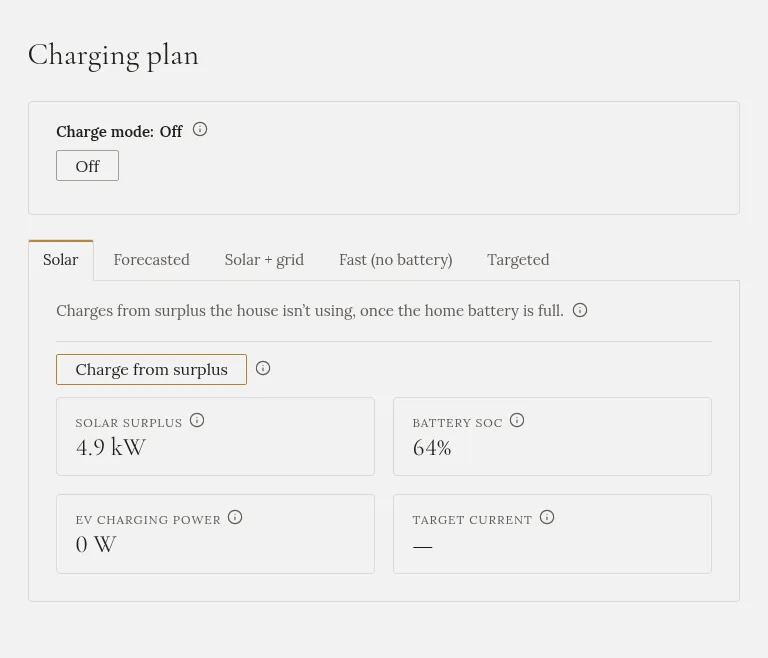
Charging plan is where you decide how the car charges. It has a box at the top, and a tab for each charging mode.
The box at the top
Section titled “The box at the top”- Charge mode says which mode is running. Off means Gleanvolt isn’t controlling the charger.
- The Off button stops the running mode. The charger is paused and the session is saved.
- Battery discharge hold, if it is turned on for your installation: see Battery discharge hold.
Messages appear here too, for example when the charger refuses a command.
The tabs
Section titled “The tabs”There is one tab per mode: Solar, Forecasted, Solar + grid, Fast (no battery) and Targeted. A dot marks the mode that is running. Each tab has the mode’s start button and its options, and shows how the mode is doing while it runs.
You can open any tab and set its options while another mode runs. Pressing a tab’s start button switches to that mode.
Not sure which to choose? See Which mode should I choose?.
Things that are true for every mode
Section titled “Things that are true for every mode”- A restart takes the running mode up again. After a restart or an update, the mode that was running carries on, with its target or amount, and the Overview says it was resumed. It doesn’t when its end passed while Gleanvolt was down, or after a long absence (12 hours).
- Every mode stops by itself when the car is full or unplugged.
- Nothing starts while Gleanvolt can’t control the charger: no charger plugin connected, a plugin that was refused or reports a problem, or a charger that doesn’t answer for 2 minutes. The mode buttons are disabled, with the reason above them. A mode already running is suspended: Gleanvolt commands nothing and releases the battery hold, and the charger follows its own settings meanwhile. When the charger is back, the mode carries on by itself. Off always works.
- Someone at the wallbox has the last word. If the charger is changed on the wallbox or in its app while a mode runs, Gleanvolt leaves it alone until you start a mode again.